
A New Year, A New Workflow
I have long been obsessed with productivity and maximizing my output. I'm learning that this is because I am a perfectionist. And the relationship that I have with productivity is a bit unhealthy. By a bit, I mean it is extremely unhealthy and has likely led to many of my health concerns over the years. I am working on unlearning my bad habits and developing habits and routines that both work with my brain and allow me to be more mindful.
I am entering 2026 armed with a workflow that supports these good habits, reduces my risk of falling back on the old habits and gives me adequate time to rest and spend time with my loved ones and community.
The (Routine) Schedule
First and foremost I am reworking my day-to-day schedule. I am not a morning person by any stretch of the imagination, but I am waking up a bit earlier so that I can spend time working on something I love. My mornings involve waking up around 6:30 a.m. and doing my morning essentials (skincare, toothbrushing, LiquidIV, brewing coffee or tea, taking my morning medications). This first 15 minutes of the day creates a solid base for the rest of my morning which includes 20-minutes of morning pages (a timer will be running), a quick high-protein breakfast, and an hour of research before getting ready for the day.
Three days per week I head out to the office listening to either a podcast or an audiobook on that commute. I do my eight hours at work, but promise myself thirty minutes over lunch to read. After working in the office two of the days, I head to pilates or the gym. On mornings when I don't have to go into the office, a morning workout or walk takes the place of that morning commute. It is important to me that I really start dedicating some time each day toward my physical health. This has typically not been the case and certainly adds to my overall lack of health.
Evenings include cooking dinner for L and I, ideally with a glass of wine and a record playing. Followed by my evening essentials (skincare, medication and supplements and toothbrushing), cuddles with the pups and reading in bed.
Start-up and Shutdown
The routine above has helped create a framework that allows for more mindful work processes. However, none of this works on its own. I am dedicated to creating a start-up and shutdown ritual at work each day that will helps bolster my goals of mindfulness.
Each morning I review my meeting schedule for the day. Then I pencil the tasks that I need to complete into the times I am free. I want to try to leverage some quasi time-blocking techniques so that I am not in a position where I have multiple 30 minute gaps in my calendar. In my experience that is just NOT sufficient time for me to get any actual tasks done. Instead, I want to be able to block two to three hours per day to be doing actual deep thinking work.
My daily shutdown is the way I tell my brain that we are going to stop thinking about our day job (easier said than done). Ideally, this is last 15 minutes of the day where I review what I got done, what still needs to be done and wrap up any tasks that I've been working on. Ultimately, I want to literally shut my computer down, turn on do not disturb for email and teams notifications and genuinely shut my day job out until the next morning.
I love my job. I think it is an important job. However, no one is going to die if I don't reply to that email or chat until the next morning. Do you think if I tell myself this enough I will remember?
The Apps and Workflow
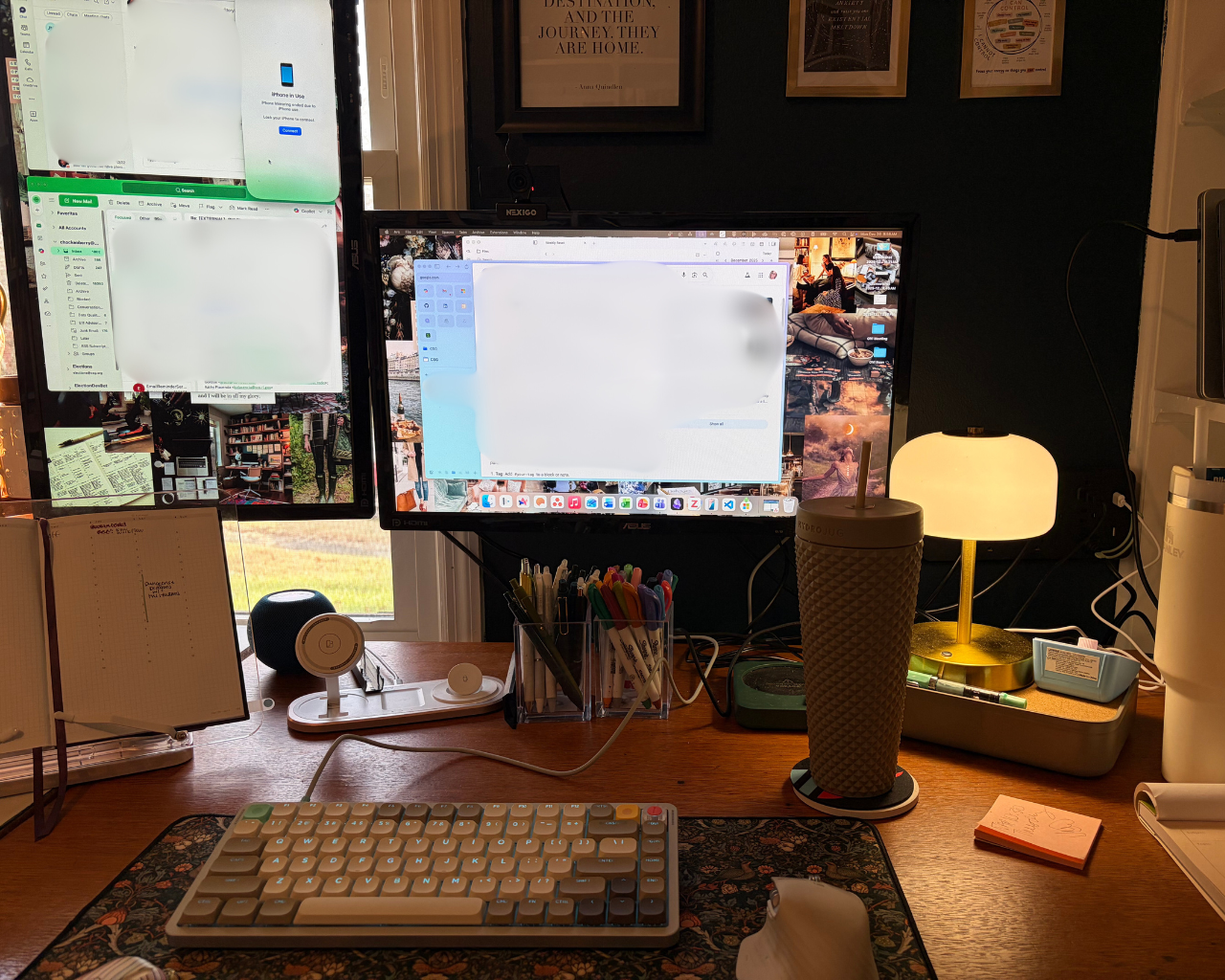
As I mentioned, my start-up and shutdown allow me to review today's calendar, tasks, and do some planning for when to get everything done. I also evaluate how work is affecting my energy, keeping tracking of thoughts that the work sparks, and using all of that to stay on track with goals. I use two primary software programs for this—Sunsama and Obsidian—plus my ever present planner and chaos notebook.
Planner and Chaos Notebook
I bought my 2026 yearly planner in August of 2025. I have tried so many planners over the years but have finally found something that works for me. It is the Hemlock and Oak Vertical Weekly Minimalist Planner. (It is sold out in the style I have but there are some hardcover options and may come back into stock.) This planner is perfect for me for a few reasons:
- It has a heavier weighted paper. I like to color code and use markers which can result in bleed through or shadows on thinner paper.
- It has monthly goal planning pages but isn't absolutely massive.
- The weekly vertical layout is the best for me to truly understand my schedule each week.
- I'm using the quarterly pages for content planning.
Every Sunday, I spend 15-20 minutes getting my schedule into my planner. I put in all of my work meetings, my personal events, health appointments and anything else I need to keep in my schedule (workouts, rituals, deep focus sessions, etc.). Then along the bottom I identify the dinners we plan to eat and any breakfast or lunch prep. At the top, I identify my in-office days, coffeeshop days and when I'm WFH.
I also keep a spare notebook with me at all times. This spare notebooks is where I write notes, reminders, thoughts I have about new projects or writing ideas. I write down tasks and to dos. I have recently learned this is called a chaos notebook. In the past, I was ashamed of this notebook. I felt like it was a waste, but am realizing it is just helpful for me to keep my brain clear and reduce my cognitive load. At the end of the day or the next morning, I will take this chaos notebook and work through it. Anything that is an idea or a thought for an existing project makes its way into my field notes. Ideas for new projects get put into project management software—Asana for work and ClickUp for personal. Tasks that haven't been completed get loaded into Sunsama. Things that are irrelevant or completed get crossed out. This way I get the tactile feel of writing, which scratches my brain in just the right way, while also putting it somewhere that will last.
Sunsama
Sunsama is a task manager that is built with rest in mind. I have been using it for a couple of years and it is truly one of the most beneficial apps for me as someone with ADHD. It provides me with a unified view of my tasks and calendars from different calendar apps, project management software and other professional platforms.
In addition to all of that, it will estimate how long something will take or you can do that yourself. As someone with ADHD, I have a really hard time estimating how long something will take. So I like that it estimates for me. I also like that I can actually time the task when I'm doing it so that I can better understand how long it actually takes me to do certain things. For example, my credit card reconciliation never takes the two hours I think it will. It will warn you if you are approaching an untenable workload by factoring in task time AND the meetings you have on your schedule. This really helps me understand what is feasible to complete each day.
I also like that at the end of the day it provides me with analytics. Something I'm trying to do better at is making comments on the various tasks about the energy levels I'm either gaining or depleting. The ultimate goal is to better understand my work day so that I'm scheduling tasks in such a way that I'm not getting into a totally depleted energy space. This can really kill my productivity for a few days because I need a brain break to recharge.
Obsidian
Obsidian is where my brain lives. Here is where I take notes, gather links, keep research, conduct my weekly reviews and daily start-ups. Obsidian is the perfect app for how my brain works. Every morning, when I start my computer, the first app I open is Obsidian. It immediately opens to my daily page. In properties, I note how much time I've devoted to different personal goals. I also mark if I completed my morning pages that day.
Then I spend a few minutes identifying my top three tasks and three things that I am grateful for each day. This does two things: it identifies where my focus needs to be and gives me a few seconds to ground myself in gratitude. Identifying things I'm grateful for can be as simple as the cup of coffee I'm drinking or specific compliment I received that is buoying me that day.
After that I have field notes that I make throughout the day. These can be thoughts I have for new projects or something that I want to remember. I also try to note if anything has really filled me with energy or if a task has particularly drained me. Field notes are also where I transfer things from chaos notebook.
In my daily note I also have a section that wraps up my day. Here is where I paste my Sunsama wrap up. I will add any additional information that I think may be relevant for me to keep for the future and hopefully keeping track of task specific energy in Sunsama helps to better understand myself.
I've been using this workflow since mid-December and it has really been helping me prioritize and work. Since Jan. 1, I have been on the road for eight days, presented at a conference to over 200 people, met with four state offices, submitted two grant applications and started dedicating a little time each day to content creation. I could not have done any of that without this workflow that works with, not against, my brain.
Subscribe to my newsletter to get the latest updates and news

Member discussion